
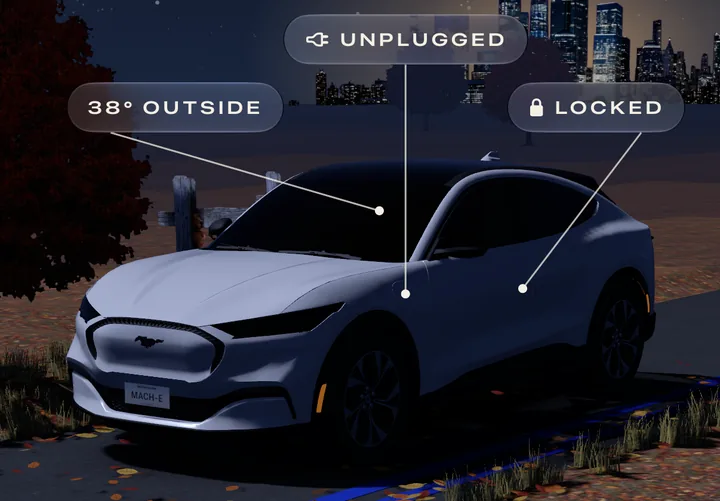
Follows the sun
Golden hour, dusk, and a night of stars with a city lit on the horizon. The sky is calculated from the sun's real position where the car is.
For the Mustang Mach-E
Range, lock, unlock and cabin preconditioning on the first screen and on your Home Screen. Voltpony is a companion to FordPass for the things you do every day.
iPhone · iOS 26 · free · no account with us
New in this build
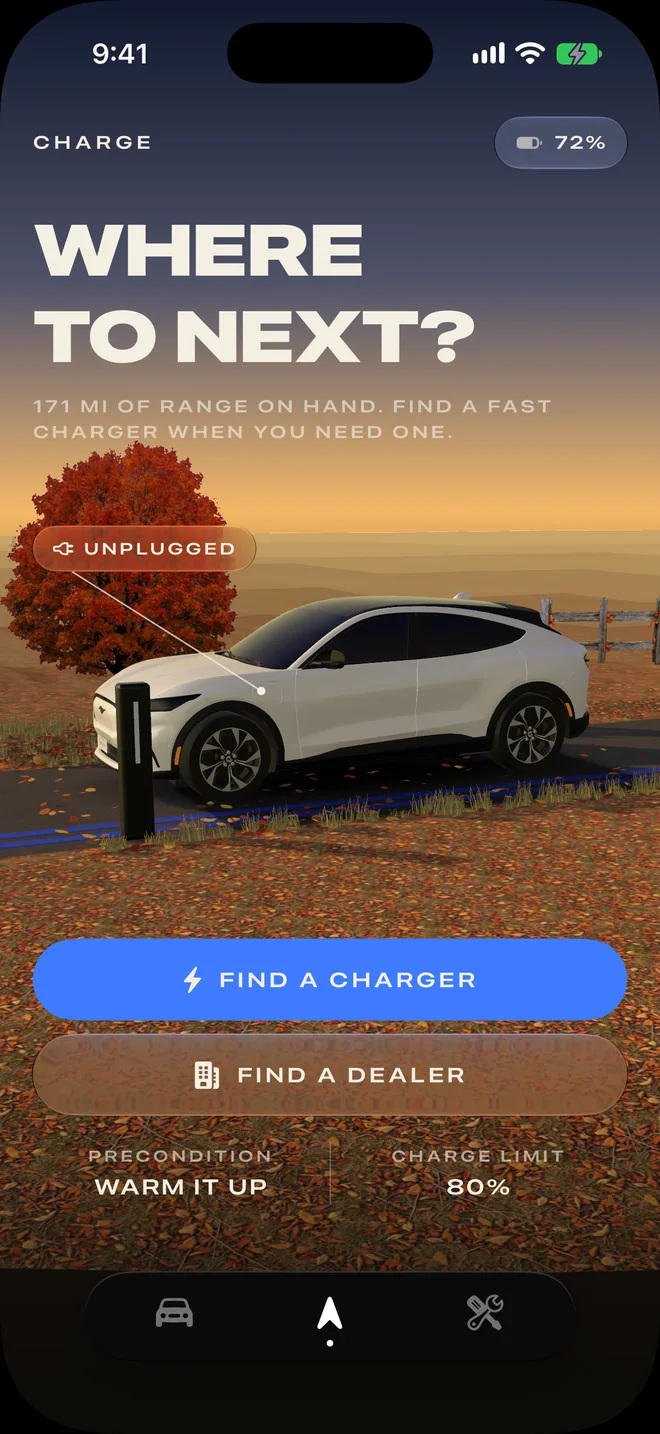
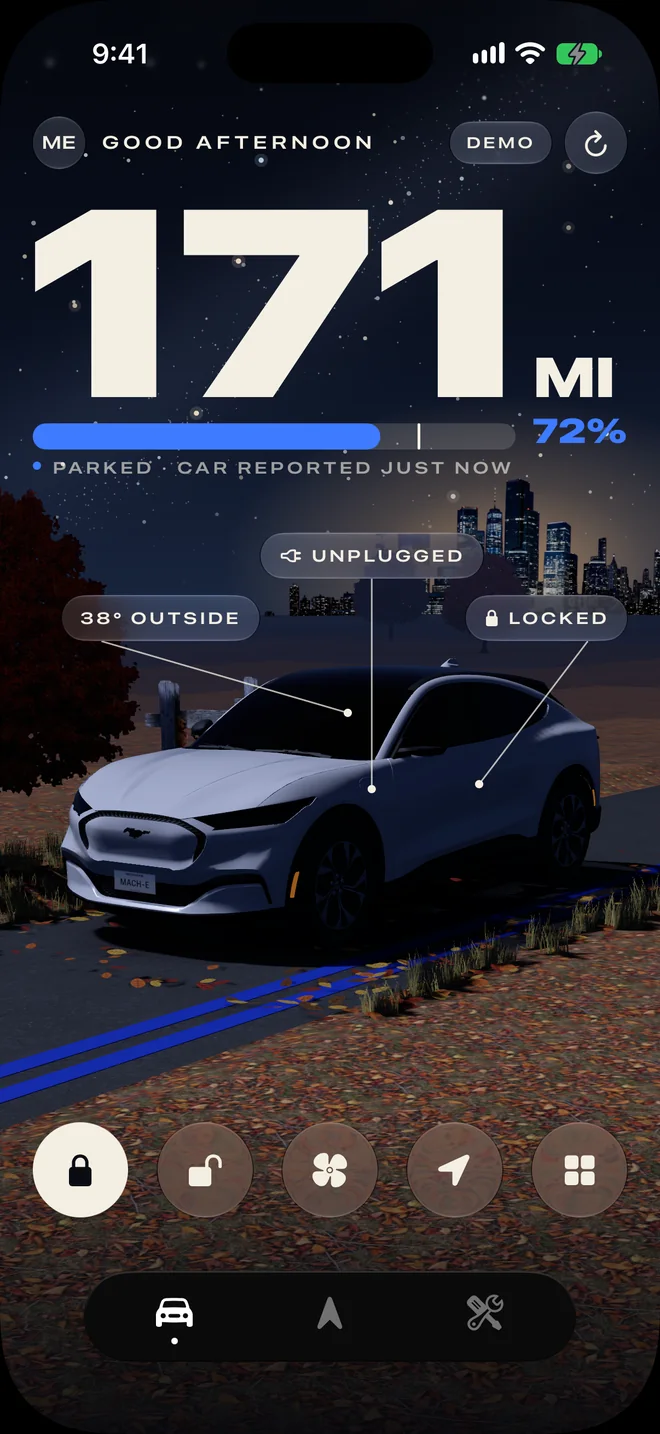
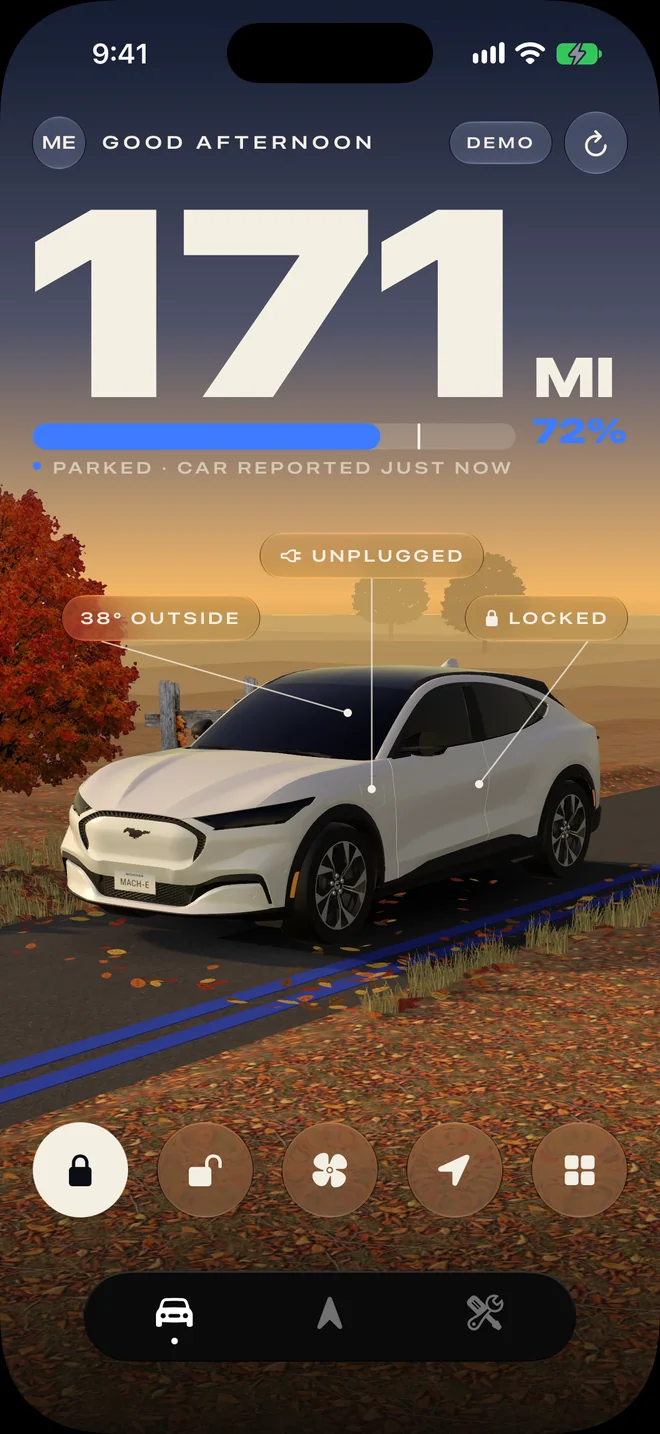
The home screen shows your car in 3D, in a scene that matches the time of day and the season where the car is.
Golden hour, dusk, and a night of stars with a city lit on the horizon. The sky is calculated from the sun's real position where the car is.
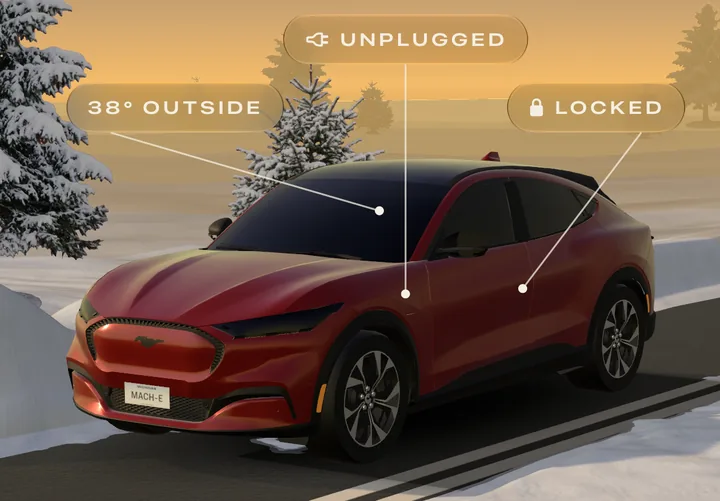
Leaves in autumn, snowbanks in winter, blossom in spring, desert in summer. The landscape runs all the way to the horizon.
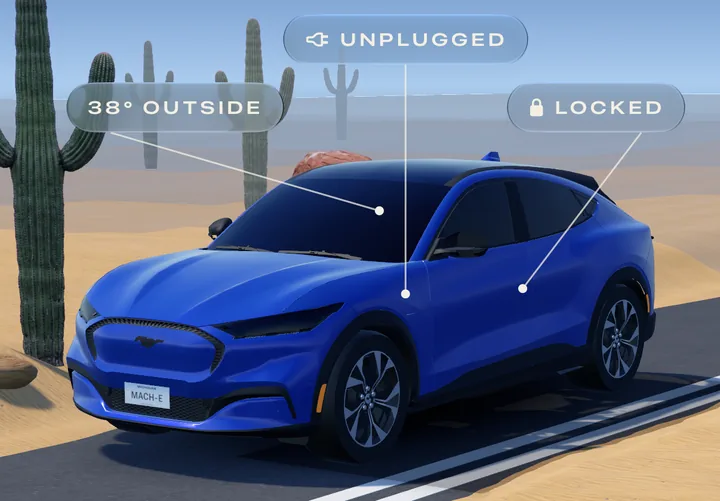
Choose your factory color and the car takes it, along with the charge bar, the buttons and every widget.
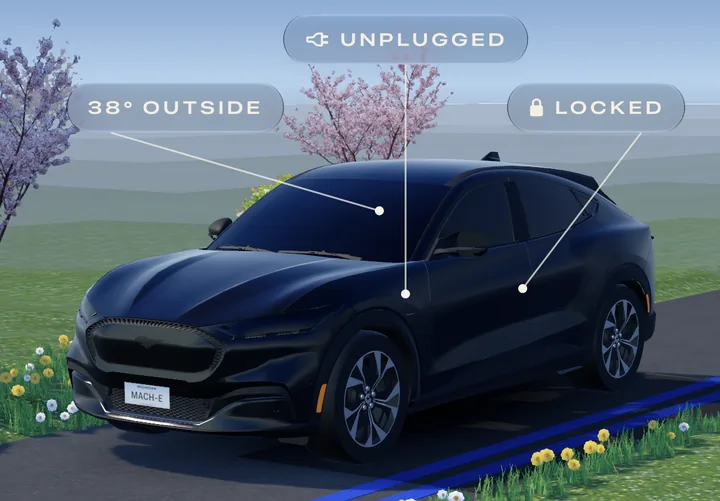
Drag the car to turn it. Labels point at the doors, the charge port and the cabin. The other tabs show the same car from other angles.
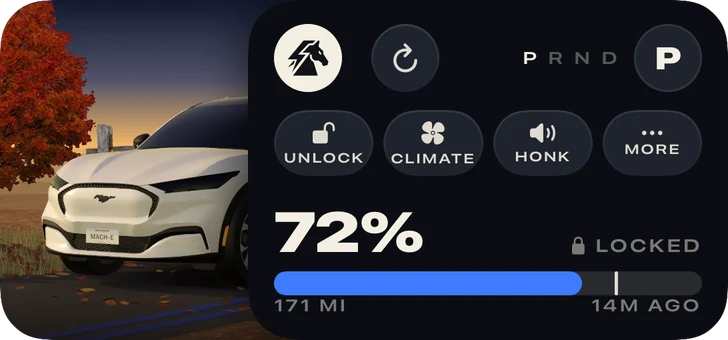
Home Screen widgets show your car in your paint at the current time of day, and still lock and precondition without opening the app.
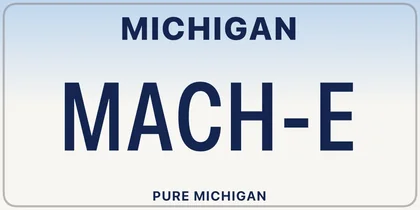
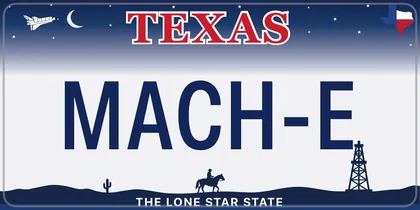
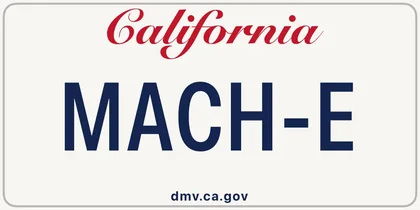
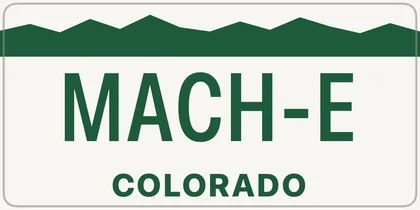
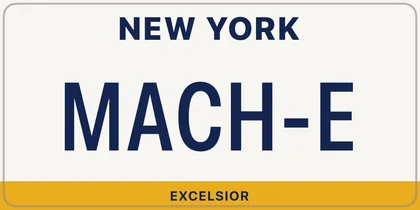
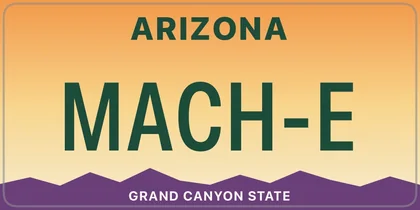
Type your plate and pick from all fifty states and DC. It's drawn on the car and, like everything else, stays on your phone.
What it does
Voltpony doesn't try to replace FordPass. It does a short list of things quickly.
Charge level, estimated range and time to full are the first things you see. While the car charges, the number rolls like an odometer.
The three commands you use most, on the home screen and in a Home Screen widget. Unlock asks for confirmation by default, and you can turn that off.
Pick from the factory Mach-E paints and the car, the accent color and the widgets all change to match. Name your car, set an avatar, and add your own plate from any US state.
Where you parked, on a map, without opening a second app.
A charging map filtered to connectors a Mach-E can use, plus nearby dealers.
Lock and preconditioning run from the widget without opening the app.
Alongside FordPass
Voltpony isn't a replacement for FordPass. Some things only the official app can do.
The app has a one-tap link to FordPass for those.
Security
I don't run any infrastructure, so there is no database of your data for anyone to steal, me included.
You sign in on Ford's own website inside a system-provided browser sheet. The app never sees, handles or stores your Ford password.
Access is stored in the iOS Keychain and marked device-only, which keeps it out of iCloud and iTunes backups. Restoring your backup onto another phone does not give that phone access to your car.
No analytics SDK, no crash reporting service, no advertising identifier and no third-party dependencies in the app. Your VIN, your location and your driving data stay on your device.
The app enforces its own request budget, backs off after repeated failures, and won't send the same command twice in quick succession. All of this keeps your account's traffic from standing out.
Endpoints, identifiers and the details of the token exchange are left out of this page on purpose. If you're a security researcher with something to report, the support page has a contact address.
Early access
Voltpony is in TestFlight beta. Please read this warning before you join.
Ford has locked accounts for unofficial API use. Create a separate FordPass account, add it to your Mach-E as a driver in the official app, and sign in to Voltpony with that account, not the login tied to your vehicle ownership, warranty and service history.
Don't use a “+” address such as [email protected]. Ford has flagged those as disposable. Voltpony limits its own requests so your traffic doesn't stand out, but it cannot make this risk zero.
Test that account in FordPass before you use it here. Sign in to the official app with it and lock the car once. Some driver accounts can read status but cannot send commands. Ford accepts the command and never delivers it, with no error, in its own app as well as this one.
You'll need Apple's TestFlight app. No account or invite code is required. Beta builds expire after 90 days, and TestFlight will prompt you to update.
Optional
Voltpony is free, has no ads and collects nothing about you, whether or not anyone tips. If it has saved you some time and you'd like to buy me a coffee, here's the link.
Buy me a coffeeKo-fi handles the payment. No payment details reach this site, and a tip can't be linked to your app usage because there is no account to link it to.
FAQ
Not yet. Voltpony is a native SwiftUI app, so an Android version would be a rewrite. Whether I do it depends on how much interest the iOS beta gets. If you want it, tell me on the support page.
It's a real risk. Ford has locked accounts for unofficial API use, both for very high request volumes and for traffic it judged anomalous. That's why Voltpony asks you to sign in with a secondary Ford account added to your car as a driver, and why it strictly limits its own requests. It can't make the risk zero.
If an account does get flagged, it should be a spare one and not the login tied to your vehicle ownership, warranty and service history. Making a second FordPass account and adding it as a driver takes about five minutes. Avoid “+” addresses like [email protected]. Ford flagged those as disposable in a documented 2023 wave.
There is no Voltpony server. The app talks to Ford directly from your phone, so your credentials and vehicle data never pass through anything I run. I have no way to see your car's location.
Ford doesn't make those commands available to third-party apps, Voltpony or any other. I can't work around that, so the app has a one-tap link to FordPass instead.
Almost certainly Ford. Every reading and command is relayed by Ford's systems, and your car reports on its own schedule, less often when it's asleep. Voltpony can't make it answer faster, and it won't retry aggressively, because that kind of traffic gets accounts flagged. To check, open FordPass at the same moment. It's usually just as stale. If FordPass is fresh and Voltpony isn't, that's a bug, so please report it.
Yes, and you should assume it will happen eventually. Voltpony depends on interfaces Ford runs for its own app and has never published. Ford can change, restrict or shut them off at any time without notice. If it does, some features or the entire app will stop working until I can adapt, and adapting may not be possible. This happens to unofficial integrations regularly. Please don't buy anything, or rely on this app for anything that matters, on the assumption it will keep working.
It's built and tested against a 2023 Mustang Mach-E. Other Mach-E model years are very likely fine. Other Ford EVs may partly work since they share the same API, but I can't test them and don't claim support.
Nothing. There's no subscription, no ads, no analytics SDK and no data to sell. I built it because I wanted it on my own phone.
Not currently. Publishing the full client would mostly serve as instructions for flooding Ford's API, which would get accounts flagged faster. Ask me on the support page if you have a specific reason to want it.